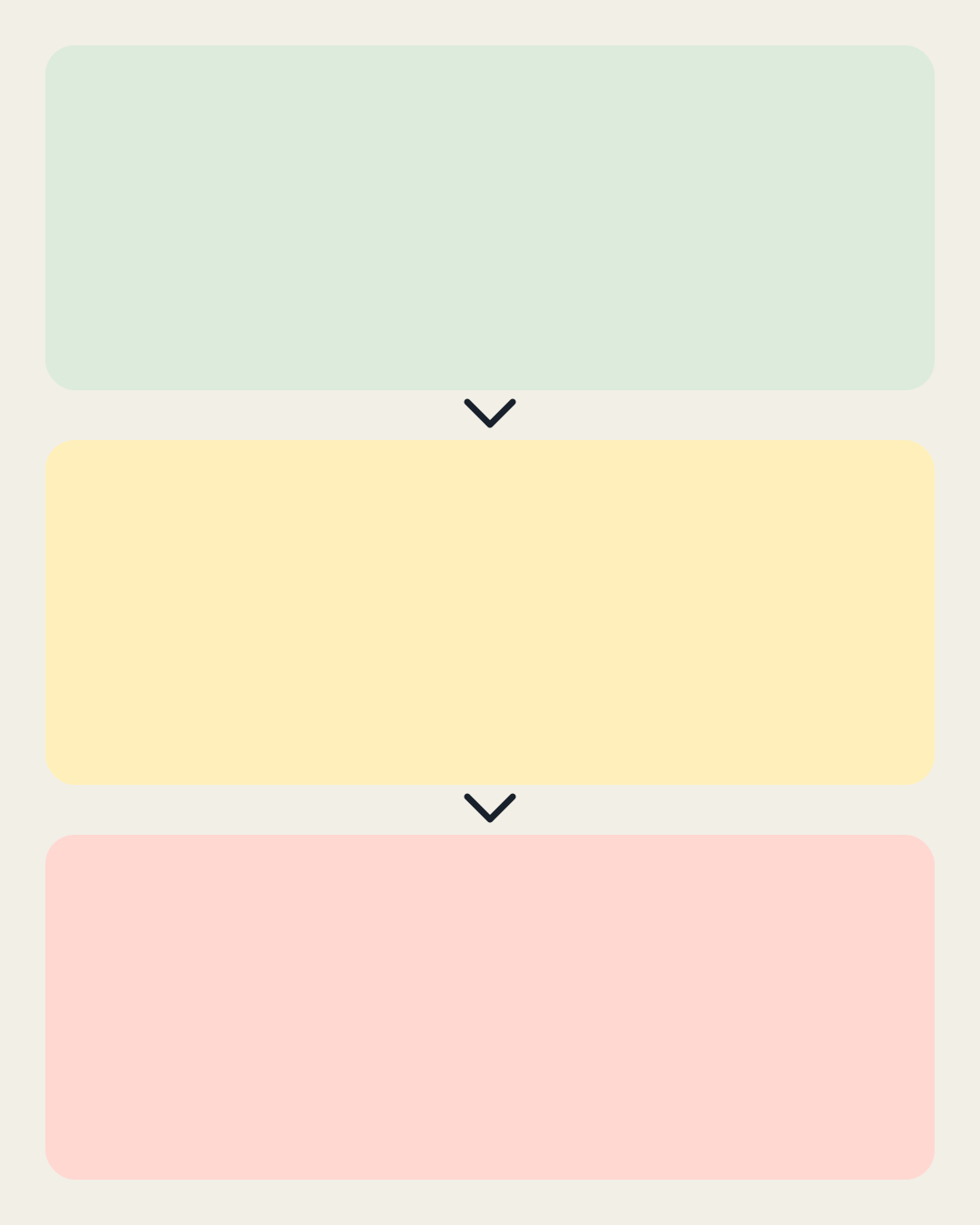
Escalating Plan template
Build a three-step joke that grows from a reasonable task into an elaborate detour. An original portrait layout with three editable panels.
Memefile original layout · editable captions
Open in the generator →Build your version
Escalation needs a progression, not just three unrelated funny sentences. This portrait layout gives a small decision, an overreaction, and a disproportionate final step their own panels. The arrows establish reading order while the words explain why each step leads to the next.
- Start with a task that could plausibly take a few minutes. The ordinary beginning gives the last panel something to exceed.
- Write the middle step as a recognizable detour. It should connect the first and last panels; if you can remove it without changing the joke, make its consequence more specific.
- Give the last panel a new scale or an unexpected goal. Open the layout and edit all three captions, then export a still or capture successive panel reveals in Animate.
Try this example
- Step one
- Choose a name for the group chat
- Step two
- Run a poll about the shortlist
- Step three
- Create a committee to audit the poll
Make it work at a glance
- Keep the third panel readable without explaining the entire backstory. A concrete noun such as “committee” often does more work than several intensifiers.
- For a GIF, reveal one caption per frame and leave the final frame visible longer. Per-frame durations let the ending breathe without slowing down every transition.
- The canvas is 1080 × 1350, a portrait composition. If your destination adds interface controls over an image, inspect the actual posting preview and move important words away from those overlays.
This template starts at 1080 × 1350 pixels. Choose Canvas to change the shape, then Text to edit captions without dragging. Keep labels away from the visual detail that carries the joke. Follow the caption workshop for an example.
Export a still image or capture changing captions in Animate. Save a project file to keep your layers, frames and timing editable. Follow the GIF walkthrough to revise and reorder a sequence.
Memefile · original geometric layout (AI-assisted code). The background consists of shapes created for this site; see the creation notes and layout workshop. Any images you add have their own permissions.